NetSpeedMonitor vs Ookla Speedtest: live throughput or a speed test?
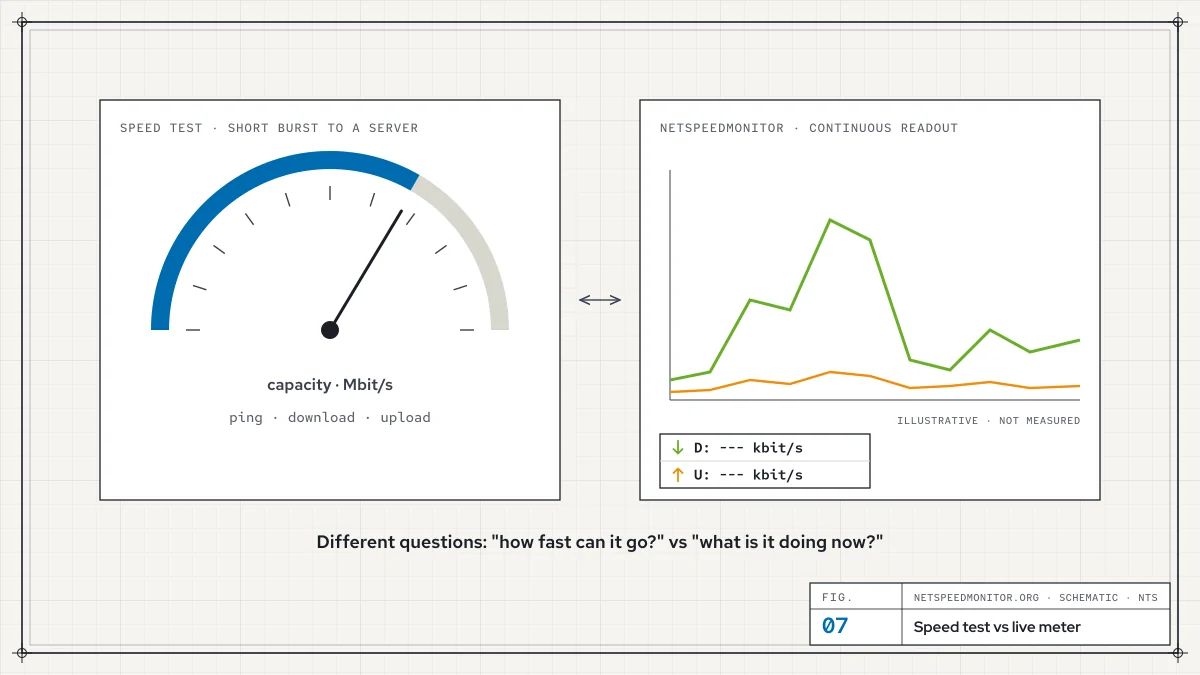
One tells you how fast your connection can go. The other tells you what your PC is doing with it right now. Mixing them up is the reason so many readings look "wrong".
Two different tools from unrelated makers
Speedtest by Ookla is a speed-testing service with a website and apps. NetSpeedMonitor is a Windows taskbar toolbar written by Florian Gilles. They have no connection. The search "NetSpeedMonitor Ookla" usually comes from someone who wants to know their internet speed and is unsure which kind of tool answers that.
What each one measures
| NetSpeedMonitor | A speed test such as Speedtest | |
|---|---|---|
| Question answered | What is this PC sending and receiving right now? | How fast can this connection go? |
| Method | Reads Windows' byte counters for one adapter, continuously | Transfers test data to and from a nearby server for a short time |
| Traffic it creates | None | Enough to saturate the link for the test |
| Includes | Every program on this PC, on the selected adapter | The path from this device to the test server |
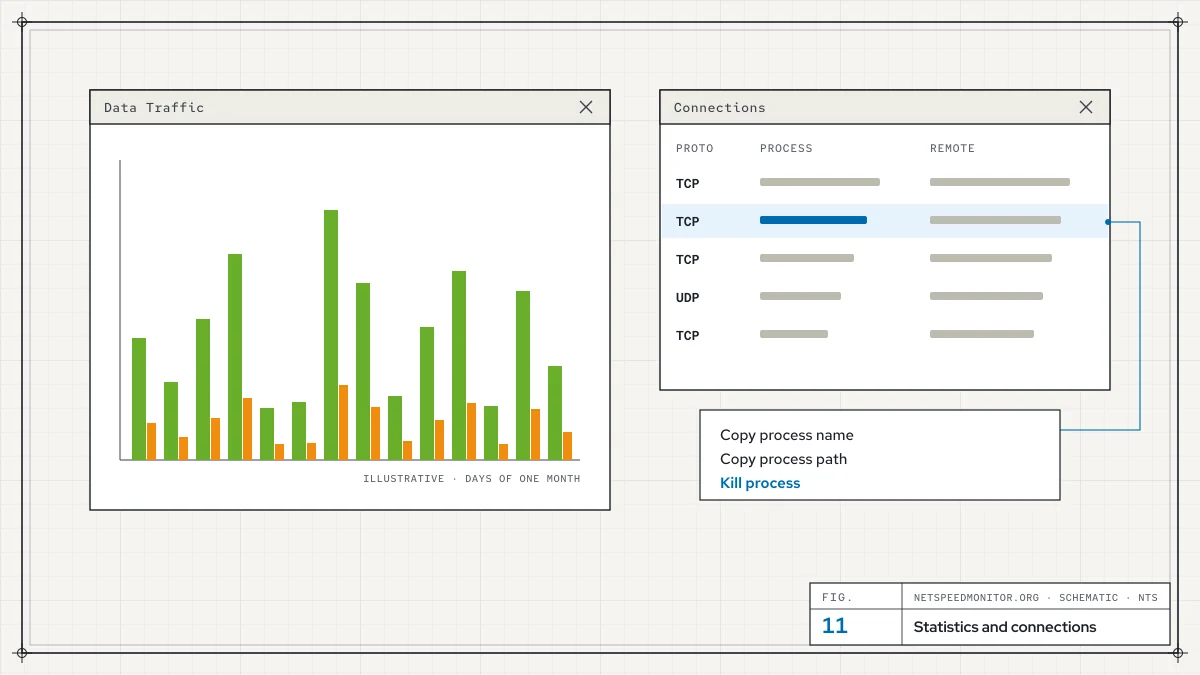
| Also reports | Session, daily and monthly totals | Latency (ping), and upload and download capacity |
| Typical unit | kbit/s by default | Mbps |
Why the numbers rarely match
- Normal use is far below capacity. Browsing, chat and streaming rarely fill a connection, so NetSpeedMonitor normally shows a fraction of the speed-test result. That is expected.
- Bits and bytes. 100 Mbps from a speed test is 12.5 MB/s. If NetSpeedMonitor is set to kB/s or MB/s, divide the test result by eight before comparing.
- The far end sets the pace. A download is only as fast as the server sending it. A slow server shows as a low D: reading even on a fast line.
- Other devices share the line. A speed test competes with every device on your network; NetSpeedMonitor only sees this PC.
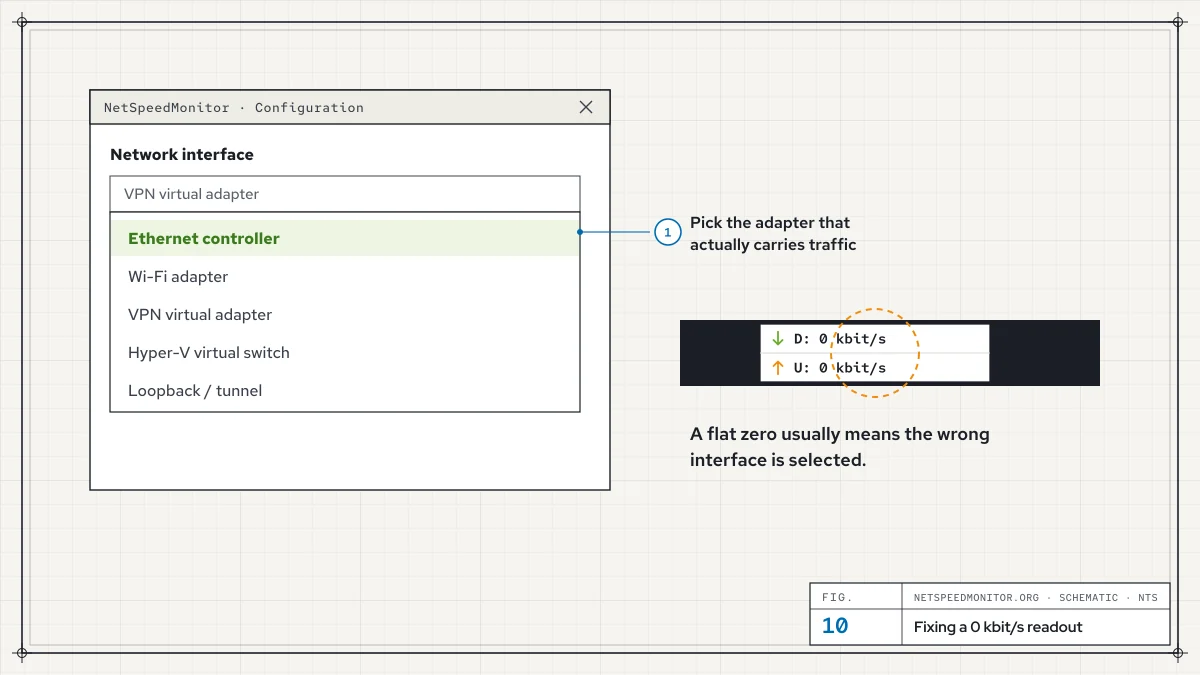
- Wrong adapter. If NetSpeedMonitor watches an idle adapter, it shows near zero whatever the test says. See fixing a 0 kbit/s readout.
Using both together
The two tools work well side by side. Start a speed test while the NetSpeedMonitor readout is visible. During the download phase, D: should climb towards the test's download figure once you allow for units, and U: should do the same during the upload phase.
If D: barely moves during the test, NetSpeedMonitor is watching the wrong adapter. If both agree but your real downloads are slow, the bottleneck is the servers you download from or something else on your network, not your line.
Unit conversion cheat sheet
Speed tests and internet providers use decimal megabits per second. These conversions are exact in that system:
| Mbps (speed test) | kbit/s (NetSpeedMonitor default) | kB/s | MB/s |
|---|---|---|---|
| 10 | 10,000 | 1,250 | 1.25 |
| 50 | 50,000 | 6,250 | 6.25 |
| 100 | 100,000 | 12,500 | 12.5 |
| 500 | 500,000 | 62,500 | 62.5 |
Some programs count a kilobyte as 1,024 bytes, which makes their figures a few percent lower. For a quick check, dividing by eight is close enough.
Ready to install NetSpeedMonitor 2.5.4.0? The download section explains which file to pick.
Download Now